
First, check under My brands whether the brand already exists. If it is not listed, add it as follows:
- In Data Entry, go to Master data.
- Click My brands.
- Click the "Add" button to add a new brand.
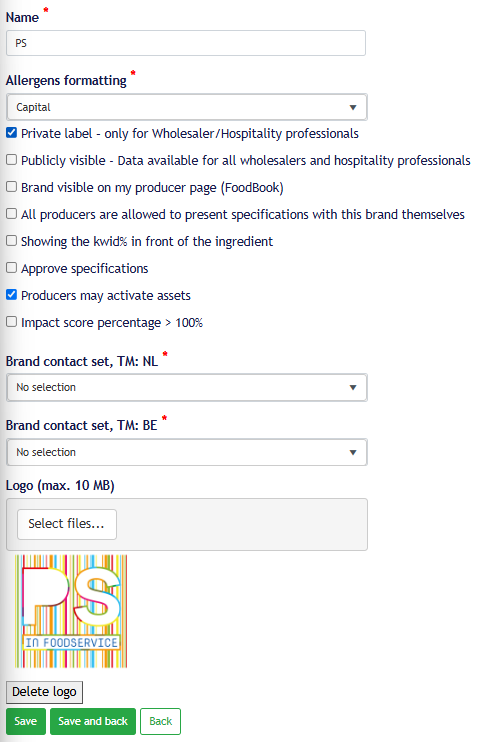
- Enter the brand name under Name and save it.
- Under Allergen formatting, select the desired display format for allergens.
- Make sure to enable at least the following options:
- Publicly visible – Data available to all customers and wholesalers and visible in the PS in foodservice FoodBook;
- Brand visible on my producer page (FoodBook) – this option is no longer applicable and will be discontinued.
- If desired, add the brand logo. The file may be up to 10 MB in size.
- Click Save.
By enabling Publicly visible, the product information for this brand becomes available to customers and wholesalers.
Private-label brands
Are you entering a private-label product for a customer or wholesaler? In most cases, you do not need to create the customer’s brand yourself. You can select existing private-label brands when entering the product.
Only create a private-label brand yourself if arrangements have been made to do so. In the brand screen, use the option “Private label – available only for Wholesaler/Hospitality professionals.”